
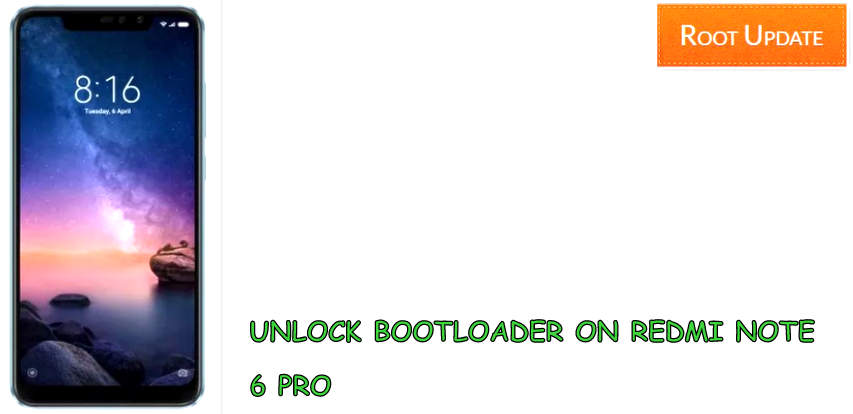
Redmi Note 6 Pro Bootloader Unlock
Table of Contents
So do you want to Unlock redmi note 6 pro Bootloader? If yes then you are at right place. Today we are here with the Guide to Unlock Redmi Note 6 pro bootloader easily. Xiaomi recently launched Redmi Note 6 pro in india with small upgrades over redmi note 5 pro. The new device comes with improved camera and notch at the top which makes it look like similar to the iPhone X.
Redmi Note 6 Pro comes with a 6.26″ Huge display having resolution of 1080X2280 and a pixel density of 403 Ppi, Under the hood of the smartphone there is Qualcomm Snapdragon 636 processor coupled with 6Gb of ram. Coming to the camera units installed on the smartphone so there is Dual 12Mp+5Mp camera units installed at the back end of the smartphone and for selfies again there is Dual 20Mp+5Mp camera housing At the front of the smartphone.So as the device is newly launched so there are many users who want to Unlock bootloader on Redmi note 6 Pro, So lets start the guide without wasting much time lets start the Guide to Unlock bootloader of Redmi Note 6 Pro.

Unlock Bootloader of Redmi Note 6 Pro
So nowadays almost every Xiaomi device comes with locked bootloader, And after you unlock bootloader on redmi note 6 pro there are lot of things you can do, But before you start the guide there are some points and pre-requirements you have to follow so make sure you follow all of them carefully:
Things to remember before you Unlock Bootloader of redmi Note 6 Pro
- This Guide is only for Redmi note 6 Pro users so please dont try this on any other smartphone
- Make sure there is more then 65% battery in your Redmi Note 6 Pro
- Make sure you have Redmi Note 6 Pro Drivers installed on your Pc or laptop
- Warranty of your device will be voided after you Unlock redmi note 6 Pro bootloader
- To unlock the Device first you have to take permission from Xiaomi.
You July Also like:
- How to Root Redmi Note 6 Pro without PC
- How to Install TWRP recovery on Redmi Note 6 Pro
- Autobuy Redmi Note 6 Pro Flipkart Flash sale
- How to Relock Bootloader of Any Android Phone
Steps to Unlock Bootloader on Redmi Note 6 Pro
- First of all Setup ABD and fastboot on your PC
- Now Enable USB Debugging on your Redmi note 6 pro
- Now connect your Redmi Note 6 pro using original USB cable
- Now make sure that your Redmi Note 6 Pro has been recognized by Pc
- Now open command window and give following command
adb reboot bootloader
- Now your Redmi note 6 Pro will enter in Bootloader mode
- Now again give following command to unlock bootloader on your device
fastboot oem unlock
- Giving the above command will unlock bootloader on your device
- Thats All!! You have finally Unlocked bootloader on Your Redmi Note 6 Pro
So this was our guide to Unlock Redmi Note 6 pro bootloader, We hope this guide helped you and incase if you have any doubt feel free to write down in the comments section below.